Tips for creating engaging Google Posts that drive traffic
Google Posts are one of the most overlooked features inside a
Google Business Profile—and that’s exactly why they represent such a massive opportunity. While many businesses spend time and money driving traffic to social media platforms they don’t own, Google Posts sit directly inside the most valuable real estate in local search: your business listing. They show up when someone is already looking for your services, comparing options, and deciding who to contact.
Yet most Google Posts fall flat. They’re rushed, vague, outdated, or treated like an afterthought. A generic sentence, a blurry image, and a “Learn more” button rarely move the needle. When used strategically, however, Google Posts can influence click-through rates, reinforce trust, highlight offers, and even support local SEO performance.
For businesses working with GetPhound, Google Posts are treated as conversion assets—not announcements. This guide breaks down how to create Google Posts that people actually read, engage with, and click. More importantly, it shows how to turn posts into consistent traffic drivers rather than forgotten updates.
Understanding the Real Purpose of Google Posts
Before writing better Google Posts, it’s critical to understand what they are meant to do. Google Posts are not social media updates, and they’re not blog summaries. Their role is much closer to that of micro–landing pages.
Google Posts appear directly on your Google Business Profile when users:
- Search your business name
- Find you through a local service search
- Compare nearby options on Google Maps
At that moment, users are already in decision mode. Your post doesn’t need to entertain—it needs to clarify, persuade, or prompt action.
Effective Google Posts typically aim to:
- Highlight a timely offer or update
- Answer a common customer question
- Promote a high-value service
- Reinforce trust or credibility
When businesses treat Google Posts like casual updates, they miss the opportunity to influence buyer behavior at the most critical stage. Each post should have a clear purpose and a specific outcome in mind.
Think less like a marketer shouting updates and more like a guide helping a customer make a confident decision.
Writing Headlines That Stop the Scroll
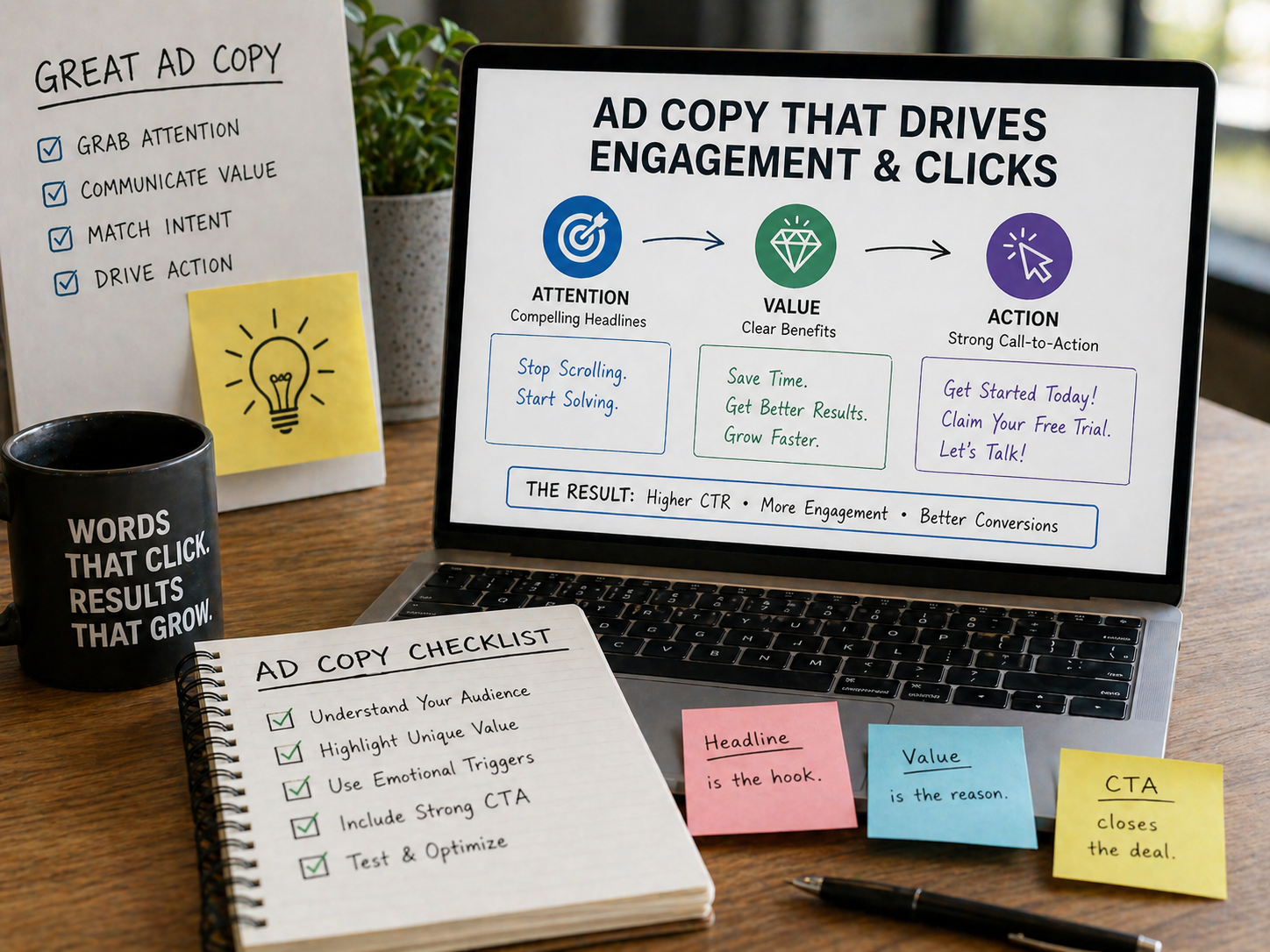
The headline is the most important part of your Google Post. If it doesn’t capture attention immediately, the rest of the content won’t matter.
Unlike social media, Google Post headlines are read by users actively searching for solutions. That means relevance matters more than cleverness.
Strong headlines often:
- Address a specific problem
- Highlight a clear benefit
- Reference timing or urgency
- Speak directly to the searcher’s intent
Examples of effective headline angles include:
- Solving a pain point (“Dealing With a Broken AC? We Offer Same-Day Repairs”)
- Highlighting an offer (“Get $50 Off Your First Service This Month”)
- Clarifying a service (“Now Offering Emergency Plumbing Services 24/7”)
Avoid vague headlines like “Exciting News” or “Latest Update.” They force users to guess why they should care—and most won’t.
Your headline should make it immediately clear what the post is about and why it matters right now. If a user can understand the value in one glance, engagement increases dramatically.
Structuring Post Content for Quick Engagement
Google Posts are scanned, not read word-for-word. Most users skim quickly before deciding whether to click.
That means your content needs to be:
- Concise
- Easy to scan
- Focused on one main idea
A strong structure typically includes:
- A short opening sentence that expands on the headline
- One or two lines explaining the benefit or offer
- A clear next step
Avoid large blocks of text. Instead, use spacing and simple formatting to guide the reader’s eye.
For example:
- Start with a benefit-driven sentence
- Follow with a quick clarification
- End with a reason to act now
Every sentence should earn its place. If it doesn’t clarify value or reduce friction, remove it.
Google Posts are not the place for full explanations—that’s what your website is for. Their job is to create enough interest and trust to earn the click.
Choosing Images That Actually Drive Clicks
Images are not decorative in Google Posts—they are functional. The right image can double engagement, while the wrong one can cause users to scroll past instantly.
Effective Google Post images tend to be:
- Real, not stock
- Clear and well-lit
- Relevant to the message
- Easy to understand at a glance
For local businesses, the most effective visuals often include:
- Real team members
- Actual job sites or projects
- Before-and-after comparisons
- Clean, branded graphics with minimal text
Avoid cluttered designs or images that require explanation. Remember, images are often viewed on mobile screens.
Google also favors authenticity. Reusing stock images across multiple posts weakens trust and engagement signals.
Your image should support the message—not compete with it. If a user understands what you’re offering just by looking at the image, you’re on the right track.
Using Calls-to-Action That Match User Intent
Every Google Post includes a call-to-action button, but choosing the right one is critical. The CTA should match what the user is ready to do—not what you want them to do.
Common CTA options include:
- Learn more
- Call now
- Book online
- Sign up
- Get offer
The mistake many businesses make is defaulting to “Learn more” for every post. While safe, it’s not always the most effective.
For example:
- Service-based posts often perform better with “Call now”
- Promotions work well with “Get offer”
- Appointment-driven services benefit from “Book online”
Your CTA should feel like the natural next step after reading the post. When intent and action align, conversion rates improve significantly.
Posting Consistently Without Posting Too Much
Consistency matters more than frequency when it comes to Google Posts. Posting once and disappearing for months sends a signal of inactivity—both to users and to Google.
That said, overposting low-quality updates can dilute impact.
A sustainable posting strategy usually includes:
- 1–2 posts per week for most businesses
- Timely updates for promotions or events
- Evergreen posts rotated and refreshed
Google Posts expire after a set period (except event posts), so regular updates keep your profile fresh and active.
Consistency builds familiarity. When users see recent posts, they’re more likely to trust that your business is active, responsive, and reliable.
Aligning Google Posts With Local SEO Goals
While Google Posts are not a direct ranking factor in the traditional sense, they support local SEO indirectly through engagement, relevance, and conversion signals.
Well-crafted posts help by:
- Reinforcing service relevance
- Encouraging interactions
- Improving click-through rates
- Supporting keyword context naturally
Avoid keyword stuffing, but don’t shy away from using service and location language where it makes sense.
For example:
- “Our Atlanta-based roofing team now offers free inspections”
- “Proudly serving homeowners across Phoenix with same-day repairs”
When posts align with your categories, services, and website content, they contribute to a stronger overall local presence.
Using Offers and Events to Create Urgency
Posts that include urgency consistently outperform generic updates. Limited-time offers, seasonal services, and special events give users a reason to act now instead of later.
Effective urgency doesn’t rely on pressure—it relies on clarity.
Examples include:
- Seasonal services (“Winter HVAC Tune-Ups Available Now”)
- Time-bound offers (“Valid Through End of Month”)
- Capacity-based messaging (“Limited Appointments Available This Week”)
Event posts are especially powerful because they remain visible until the event ends. They’re ideal for:
- Grand openings
- Sales
- Workshops
- Community events
Urgency works because it reduces indecision. When users understand why now matters, engagement increases.
Measuring What Works and Refining Your Strategy
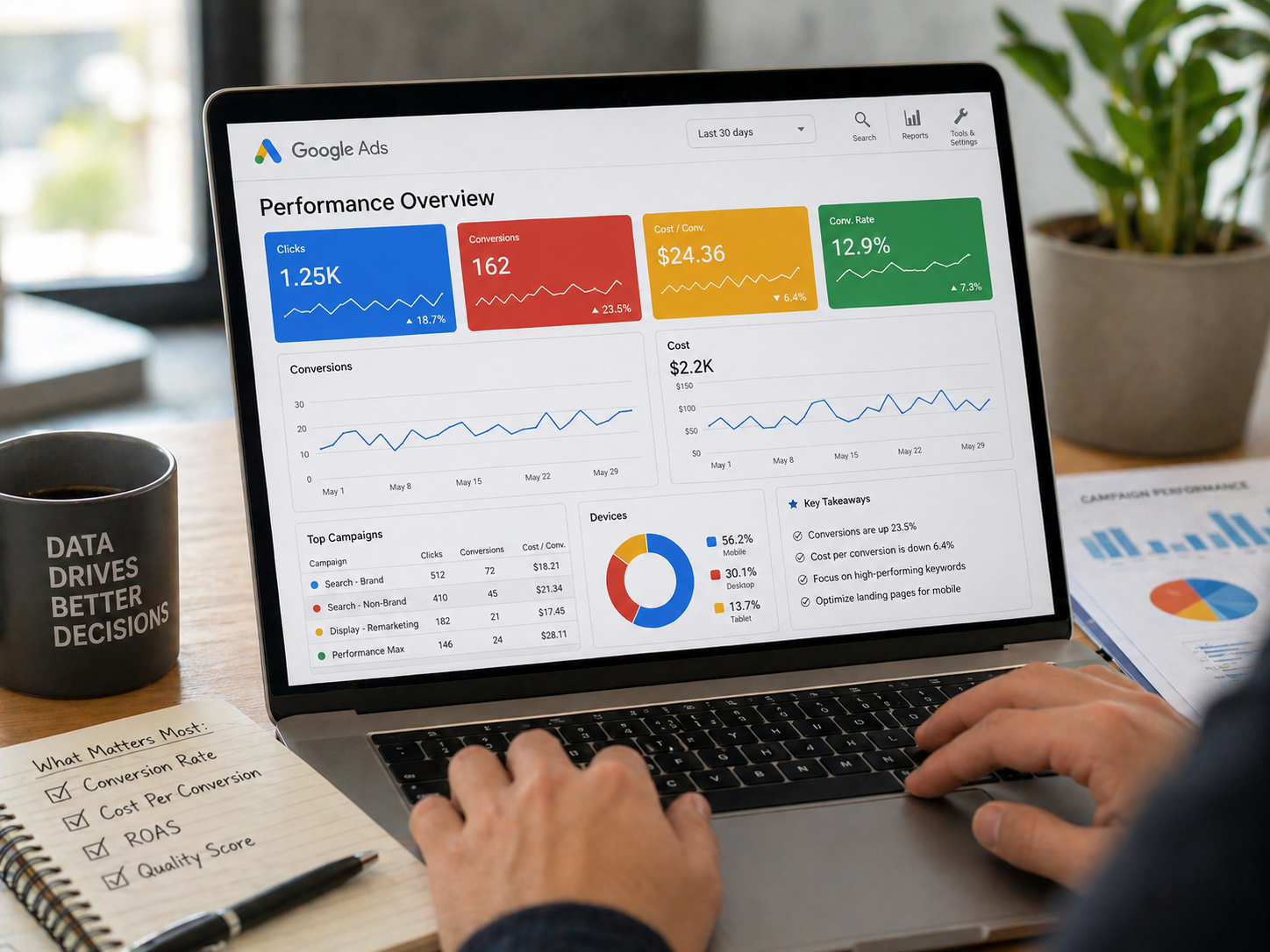
Not every post will perform equally—and that’s okay. The goal is to learn what resonates and refine over time.
Monitor:
- Clicks on posts
- Calls following post views
- Website traffic from GBP
- Engagement patterns over time
Look for trends rather than individual wins or losses. If certain post types consistently outperform others, prioritize them.
Optimization is iterative. The more intentional your posting strategy becomes, the more predictable your results will be.
How GetPhound Helps Businesses Win With Google Posts
Creating engaging Google Posts consistently takes time, strategy, and a clear understanding of local search behavior. That’s where GetPhound comes in.
GetPhound helps businesses:
- Develop a Google Post strategy aligned with local SEO goals
- Create posts that drive real engagement—not just visibility
- Maintain consistency without sacrificing quality
- Align posts with broader Google Business Profile optimization
- Turn profiles into conversion-focused assets
Instead of guessing what to post or treating Google Posts as busywork, GetPhound uses data, intent, and proven frameworks to make every post count.
Where Traffic Actually Comes From
Google Posts don’t drive traffic because they exist—they drive traffic because they’re intentional. When posts speak directly to customer intent, reduce friction, and offer clear next steps, they become powerful conversion tools.
For local businesses, Google Posts are one of the few marketing channels that reach customers at the exact moment they’re ready to choose. Used correctly, they don’t just fill space on your profile—they help grow your business.
And with the right strategy and support, they can do it consistently.