How to leverage Google Business Profile insights to grow your business
Business owners glance at their
Google Business Profile insights, nod approvingly at rising numbers, and move on. Calls went up. Views look fine. Job done. But buried inside those charts and data points is something far more valuable than surface-level validation—it’s a roadmap for growth. Google Business Profile insights aren’t just reporting tools; they’re behavior data straight from people actively searching for businesses like yours.
For businesses working with GetPhound, insights are treated as signals, not statistics. They reveal where demand is coming from, how customers find you, what convinces them to engage, and where opportunities are being missed. When interpreted correctly, this data can guide smarter marketing decisions, improve local rankings, and increase real-world conversions—not just impressions.
This guide breaks down how to actually use Google Business Profile insights to grow your business, rather than letting them sit idle. You’ll learn what the data means, how to read between the lines, and how to turn insights into actions that compound over time.
Understanding What Google Business Profile Insights Really Measure
Google Business Profile insights track how users interact with your listing, but the value lies in understanding intent, not just volume. Every metric tells a story about customer behavior and local demand.
At a high level, insights show:
- How customers find your business
- What actions they take
- Where they are located
- How they engage with your content
These metrics include searches, views, actions (calls, directions, website clicks), and photo engagement. Each reflects a different stage of the buyer journey.
For example, a spike in discovery searches suggests growing awareness, while an increase in calls indicates strong buying intent. Low engagement despite high views often points to messaging or trust issues.
Many businesses misinterpret insights by focusing only on totals. Growth comes from comparing trends:
- Month-over-month changes
- Performance by location
- Engagement before and after updates
Insights are not vanity metrics. They are feedback loops. When you make changes to your profile—new photos, updated services, better descriptions—insights tell you whether those changes are working.
Understanding what Google is measuring allows you to align your optimization strategy with real customer behavior instead of guesswork.
Using Search Queries to Understand Buyer Intent
One of the most powerful—but underused—insight categories is search queries. These show the terms people use to find your business, revealing how customers think and what they actually want.
Searches fall into two main categories:
- Direct searches (your brand name)
- Discovery searches (services or products you offer)
Discovery searches are where growth happens. They show demand from customers who didn’t know your brand but needed your service.
Analyzing these queries helps you:
- Identify high-intent keywords
- Discover new service opportunities
- Understand how Google categorizes your business
For example, if “emergency plumber near me” appears frequently, but that service isn’t clearly highlighted on your profile, you’re leaving conversions on the table.
Use this data to:
- Refine your business description
- Adjust categories
- Improve service listings
- Align website content with local intent
Search query insights also help diagnose mismatches. If you’re showing up for irrelevant searches, it may indicate category or content misalignment that needs correction.
When you optimize based on actual search behavior, your profile becomes more relevant—and relevance is a core driver of local rankings.
Turning Profile Views Into Conversion Opportunities
Profile views tell you how often your listing appears, but they don’t guarantee action. The real question is whether those views turn into calls, visits, or direction requests.
A high number of views with low engagement often signals:
- Weak messaging
- Confusing information
- Lack of trust signals
- Poor visual presentation
Insights help you identify these gaps.
Compare:
- Views vs. calls
- Views vs. website clicks
- Views vs. direction requests
If views are high but actions are low, it’s time to optimize for conversion.
Focus on:
- Clear service descriptions
- Accurate hours and availability
- Strong photos that show legitimacy
- Compelling attributes and services
Even small improvements—like clarifying service areas or adding real photos—can dramatically increase engagement.
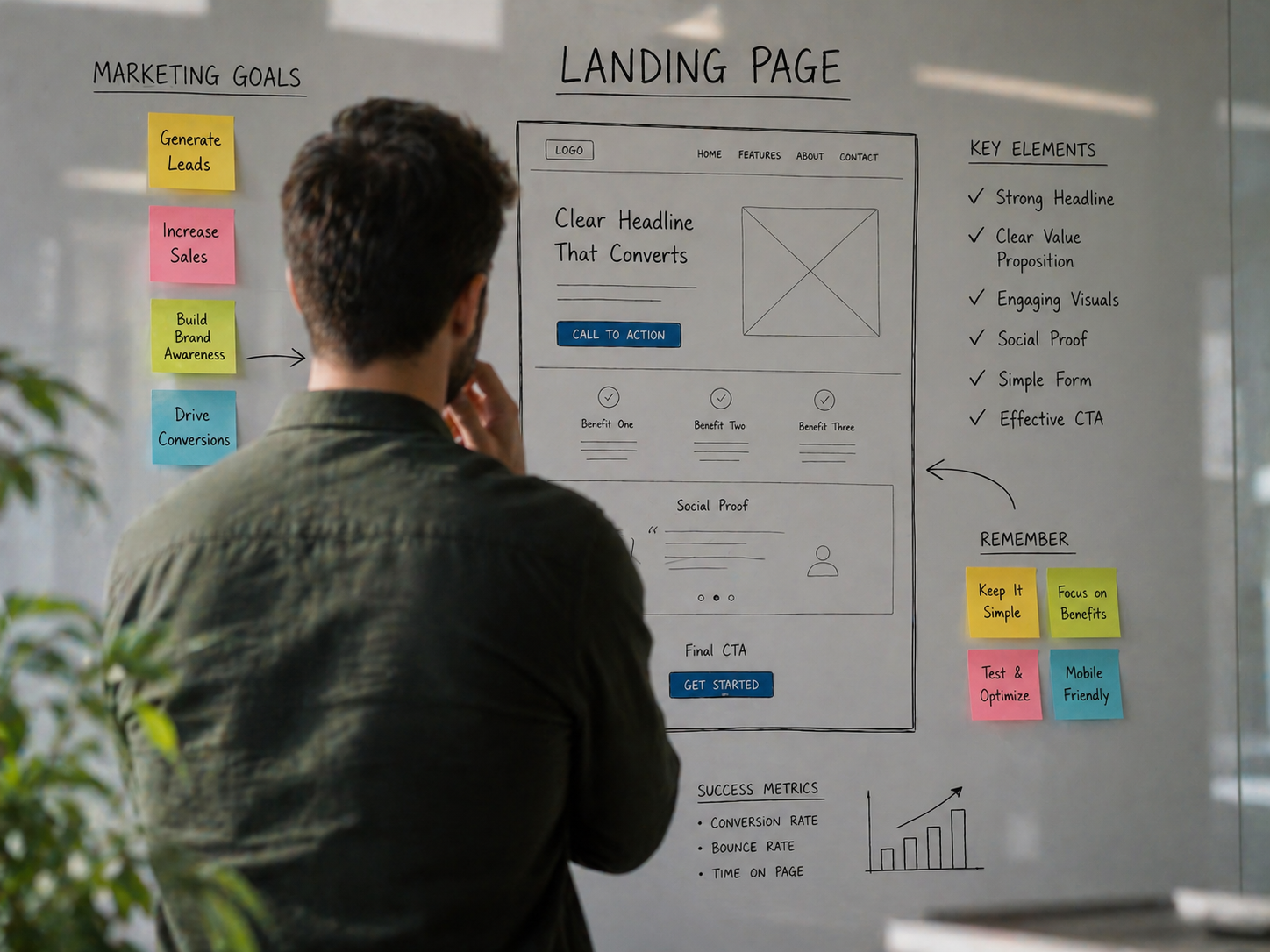
Think of your Google Business Profile as a landing page. Views are traffic. Actions are conversions. Insights show you where optimization is needed to move users from interest to intent.
Using Call and Direction Data to Optimize Operations
Call and direction insights reveal more than marketing performance—they reflect operational demand. This data can guide staffing, hours, and service coverage decisions.
Call insights show:
- When customers are most likely to contact you
- Which days generate the most demand
- Seasonal or weekly patterns
Direction requests reveal:
- Where customers are coming from
- Which neighborhoods drive traffic
- How proximity affects engagement
Businesses can use this data to:
- Adjust staffing during peak hours
- Extend hours when demand is high
- Focus marketing on high-performing areas
For service-area businesses, direction data helps validate whether your service areas align with actual demand. If most engagement comes from outside your listed areas, it may be time to expand—or refine.
Operational alignment improves customer experience, which in turn improves engagement signals. Google rewards businesses that meet user expectations, and insights help ensure you’re doing exactly that.
Leveraging Photo Insights to Improve Trust and Engagement
Photos are one of the most influential elements of a Google Business Profile, and insights show how users interact with them.
Google tracks:
- Photo views
- Photo quantity compared to competitors
- Engagement trends over time
If competitors’ photos receive more engagement, it’s often not about quality alone—it’s about relevance and freshness.
Effective photo strategies include:
- Uploading location-specific images
- Showing staff and real work
- Updating photos regularly
- Avoiding stock images
Photo insights help you identify what resonates. For example, interior photos may drive engagement for retail, while job-site photos perform better for service businesses.
Photos build trust quickly. When users feel confident, they’re more likely to take action. Insights help you measure and improve that confidence.
Identifying Local SEO Opportunities Through Time-Based Trends
One of the most overlooked aspects of Google Business Profile insights is trend analysis. Looking at data over time reveals patterns that single snapshots miss.
Track:
- Seasonal demand changes
- Impact of profile updates
- Performance after promotions
- Long-term growth trends
For example, a steady increase in discovery searches may indicate rising authority, while sudden drops can signal visibility issues.
Trend analysis helps answer questions like:
- Did recent optimizations work?
- Are rankings improving or stagnating?
- Is demand growing or shifting?
By correlating actions with outcomes, businesses can refine strategies and double down on what works.
Insights become most powerful when viewed longitudinally. Growth isn’t about spikes—it’s about sustained upward momentum.
Comparing Locations to Scale What Works
For multi-location businesses, insights are essential for identifying top performers and underperformers.
Compare:
- Engagement rates by location
- Search visibility differences
- Conversion actions per view
- Photo and review activity
High-performing locations often reveal replicable strategies:
- Better photos
- More reviews
- Stronger descriptions
- Higher engagement content
Underperforming locations highlight gaps.
Instead of guessing, insights allow you to:
- Standardize successful elements
- Customize weak profiles
- Allocate resources more effectively
This data-driven approach prevents one location from carrying the entire brand and helps scale visibility across markets.
Aligning Insights With Website and Campaign Performance
Google Business Profile insights don’t exist in isolation. When aligned with website analytics and campaigns, they create a complete picture of customer behavior.
For example:
- Increased profile clicks but low website conversions may indicate landing page issues
- High call volume but low close rates may suggest lead quality problems
Insights help bridge the gap between visibility and revenue.
Use them to:
- Refine landing pages
- Improve messaging consistency
- Adjust ad targeting
- Validate
SEO performance
When all channels support each other, growth becomes predictable rather than reactive.
Avoiding Common Misinterpretations of Insights Data
Misreading insights can lead to poor decisions. Common mistakes include:
- Focusing on total views instead of actions
- Ignoring discovery vs. direct searches
- Comparing data without time context
- Overreacting to short-term fluctuations
Insights are directional, not absolute. They should guide strategy—not dictate panic.
Consistency and patience matter. Local SEO gains compound over time, and insights help track progress realistically.
How GetPhound Uses Insights to Drive Real Growth
At GetPhound, Google Business Profile insights are used as diagnostic tools. They inform strategy, validate optimizations, and guide continuous improvement.
The focus is on:
- Conversion quality
- Local relevance
- Sustainable visibility
- Measurable outcomes
By turning insights into action, businesses move beyond guesswork and build local authority that lasts.
Where Growth Actually Comes From
Google Business Profile insights are not just reports—they’re conversations with your market. They tell you what customers want, how they find you, and why they choose to engage.
Businesses that grow are the ones that listen.
When insights guide decisions, optimization becomes intentional, visibility becomes stable, and growth becomes repeatable. That’s how
local SEO turns from a guessing game into a scalable business asset.