How to optimize your Google Business Profile for multiple locations
Scaling a business beyond one location is exciting—but it comes with a new set of visibility challenges. One of the biggest mistakes multi-location businesses make is assuming that what worked for a single
Google Business Profile (GBP) will automatically work for five, ten, or fifty locations. It won’t. Google treats each location as its own local entity, with its own relevance, proximity, and prominence signals. If those signals aren’t clearly defined and properly optimized, your locations can end up competing with each other—or worse, not showing up at all.
For brands working with GetPhound, the goal isn’t just to exist on Google Maps. It’s to dominate local search results consistently across every service area. That requires structure, strategy, and discipline. This guide walks through how to properly optimize Google Business Profiles for multiple locations without triggering suspensions, creating duplicate issues, or wasting opportunities to rank.
Whether you manage a franchise, a regional service business, or a fast-growing brand with brick-and-mortar locations, the strategies below will help you turn Google Business Profiles into reliable local lead engines.
Creating Individual Google Business Profiles the Right Way
Each physical location must have its own dedicated Google Business Profile. This sounds obvious, yet many businesses try to manage multiple addresses under one listing or reuse the same profile with different service areas. That approach almost always leads to visibility issues or suspensions.
Google expects each profile to represent a real, verifiable location where customers can interact with your business. That means:
- A unique, physical address (or service-area setup if applicable)
- A local phone number when possible
- Accurate business hours specific to that location
- Clear signage or proof of operation at the address
Avoid shortcuts like virtual offices, shared coworking spaces without permanent staffing, or temporary addresses. These setups often fail verification or get removed later. Consistency matters, but accuracy matters more.
Once profiles are created, resist the temptation to copy and paste everything. Each location may offer similar services, but Google rewards clarity and authenticity. Treat every profile as a standalone business that happens to share a brand name. This mindset prevents overlap, improves trust signals, and sets the foundation for stronger local rankings across the board.
Using a Consistent Yet Location-Specific Business Name
Your business name is one of the strongest ranking signals in a Google Business Profile—but it’s also one of the easiest ways to get suspended if misused. The name must match real-world branding exactly as it appears on signage, websites, and legal documents.
For multi-location businesses, this usually means:
- Using the same core brand name across all profiles
- Adding a location identifier
only if it’s part of your real-world branding
For example, if signage and marketing say “ABC Plumbing – Phoenix,” then it’s acceptable. If not, adding city names just to rank better is risky and often flagged.
The key is uniformity with legitimacy. Google cross-references your business name with:
- Your website
- Online directories
- Street View imagery
- User-submitted edits
If one location uses a different naming format than others, it creates confusion for both Google and customers. Work with a standardized naming convention and apply it consistently—but only when it reflects reality.
This is an area where many businesses lose rankings without realizing why. Clean, compliant naming builds long-term stability, which is essential when managing multiple profiles at scale.
Optimizing Categories Without Cannibalizing Locations
Categories tell Google what your business does, and they heavily influence which searches you appear for. For multi-location businesses, category selection must be consistent but intentional.
Start by choosing one primary category for all locations. This should represent your core service—not a broad or vague term. Secondary categories can then be added based on services actually offered at that specific location.
Best practices include:
- Keeping the primary category identical across locations
- Avoiding unnecessary secondary categories “just in case”
- Ensuring categories align with on-page services on your website
If one location offers additional services that another does not, reflect that honestly. However, don’t over-optimize by stuffing every possible category into every profile. This can dilute relevance and confuse Google’s algorithm.
Another common mistake is changing categories too frequently. Google needs time to reassess relevance signals, and constant edits can slow ranking improvements. Set categories carefully, then let the data settle.
When done right, category optimization helps each location rank for the right searches—without internal competition between profiles.
Writing Unique Business Descriptions for Every Location
Google allows up to 750 characters for the business description, and this space is often underutilized or duplicated across locations. For multi-location optimization, duplication is a missed opportunity.
Each description should:
- Clearly state what the business does
- Reference the specific city or service area naturally
- Highlight location-specific strengths or services
- Maintain consistent brand voice
Avoid keyword stuffing or listing services endlessly. Instead, write like a human explaining what makes that location valuable to local customers.
For example, one location may specialize in residential services, while another focuses on commercial clients. One may have been serving a community for 15 years, while another is newer but highly specialized. These details matter.
Unique descriptions help Google differentiate profiles and improve relevance for local searches. They also improve user trust, which can increase engagement, calls, and direction requests.
Think of the description as a local elevator pitch—short, specific, and credible.
Managing Service Areas and Address Settings Carefully
For service-area businesses, Google Business Profile settings must be handled with extra care. Incorrect service area setups can cause profiles to overlap, compete, or disappear from results.
If you have physical locations customers can visit, always display the address. If you don’t, hide the address and define service areas clearly.
Important guidelines:
- Do not set massive service areas covering entire states
- Avoid identical service areas for nearby locations
- Keep service areas realistic based on travel and operations
For businesses with multiple service-area-only locations, spacing matters. If two profiles cover the same cities without clear differentiation, Google may suppress one.
Each profile should have a defined geographic focus that aligns with its actual operations. This improves proximity signals and helps Google understand which location to show for which search.
Proper service area management reduces internal competition and improves visibility where it matters most.
Location-Specific Photos and Visual Signals
Photos are more than aesthetics—they’re trust signals. Google uses images to verify legitimacy, assess activity, and evaluate user engagement.
Each location should upload its own photos, including:
- Exterior signage
- Interior workspace
- Staff at that location
- Vehicles with branding
- Location-specific jobs or projects
Avoid reusing the same photos across multiple profiles. This is a common red flag and weakens authenticity signals.
Regular photo uploads also signal that a location is active and well-managed. Encourage staff to take real photos using their phones, especially after jobs or events.
Profiles with fresh, authentic images tend to receive more clicks, calls, and direction requests. Over time, this engagement feeds back into stronger local rankings.
Review Generation and Location-Based Reputation Management
Reviews are one of the strongest factors in local SEO—but only when they’re distributed correctly. For multi-location businesses, reviews must be earned and managed at the location level.
Each profile should:
- Receive its own reviews
- Respond to reviews individually
- Avoid funneling all reviews to one “main” location
Train staff to ask customers to review the specific location they visited. Use direct review links tied to each profile to reduce confusion.
When responding to reviews:
- Mention the location or city naturally
- Thank customers personally
- Address issues professionally and locally
Avoid copy-paste responses across profiles. Google can detect patterns, and users notice too.
A strong, balanced review profile across all locations builds trust with Google and customers alike—and prevents one location from carrying the entire brand’s reputation.
Building Location-Specific Local Authority
Google doesn’t rank profiles in isolation. It evaluates how well each location is supported by the rest of the web. This includes citations, backlinks, and local relevance signals.
Each location should have:
- Consistent NAP listings in major directories
- Location-specific pages on your website
- Local backlinks when possible
Avoid pointing all authority to a single homepage. Instead, support each location with its own digital footprint.
Examples of local authority signals include:
- Chamber of commerce listings
- Local sponsorships
- Community event mentions
- City-specific landing pages
This strategy helps Google see each location as a legitimate local business—not just an extension of a brand.
Preventing Duplicate Listings and Suspensions
Duplicate listings are one of the biggest threats to multi-location visibility. They split ranking signals, confuse users, and often trigger suspensions.
Common causes include:
- Old addresses that were never removed
- Auto-generated listings
- Past agency errors
- Employees creating profiles independently
Regular audits are essential. Search your brand name and addresses on Google Maps and flag anything suspicious.
If duplicates exist, merge or remove them properly—never delete without understanding the consequences.
Suspensions are far more common for multi-location brands, but they’re also preventable with clean data, compliant practices, and consistent management.
Measuring Performance and Scaling the Right Way
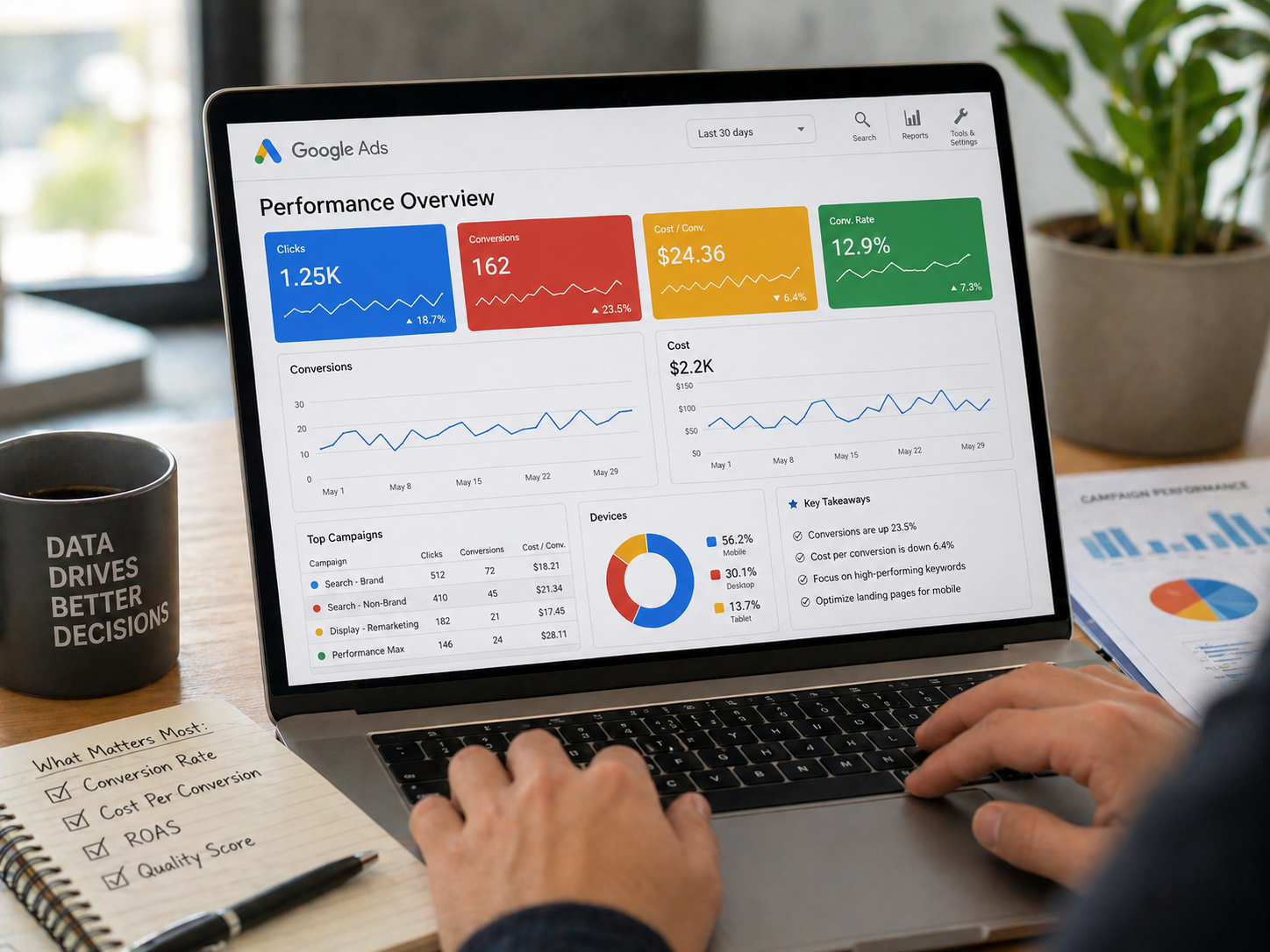
Optimizing is only half the job—tracking performance is what allows you to scale confidently.
Monitor each location’s:
- Search impressions
- Calls and direction requests
- Keyword visibility
- Review growth
Look for patterns. If one location performs better, analyze why. Often it’s tied to reviews, photos, or local authority—not luck.
Avoid making sweeping changes across all profiles without testing. What works in one city may not work in another.
With proper tracking, you can refine processes, replicate success, and expand without sacrificing visibility.
Final Thoughts
Optimizing Google Business Profiles for multiple locations isn’t about shortcuts—it’s about structure, consistency, and local relevance. Each profile must stand on its own while reinforcing the overall brand.
When done correctly, multi-location optimization creates a compounding effect: stronger visibility, better leads, and a brand that dominates local search across every market it serves.
This is the level of precision
GetPhound focuses on—helping businesses not just show up, but stay visible, competitive, and trusted as they grow.